Photo colorization
Colorize black and white photos online with AI
Turn old monochrome portraits and family snapshots into natural-looking color in one step. The same pass also repairs scratches, creases and fading, so the result looks like a clean color print.
3 free credits · 4K results · No account or card needed · JPEG, PNG or WEBP up to 10 MB
Results vary with the condition of the original photo.
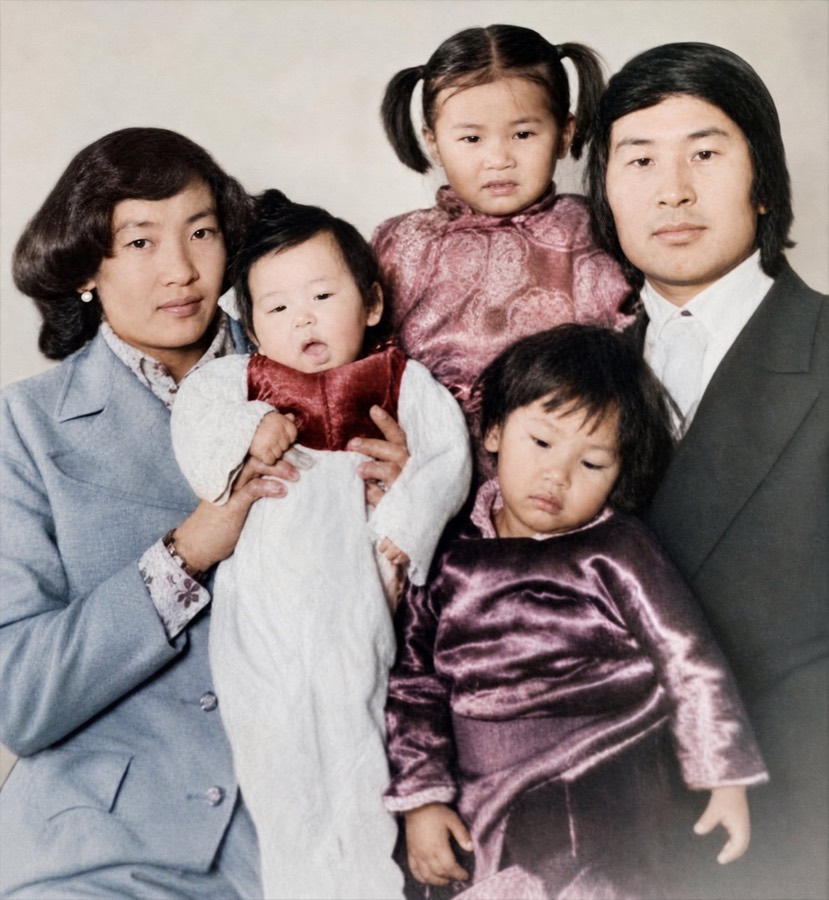
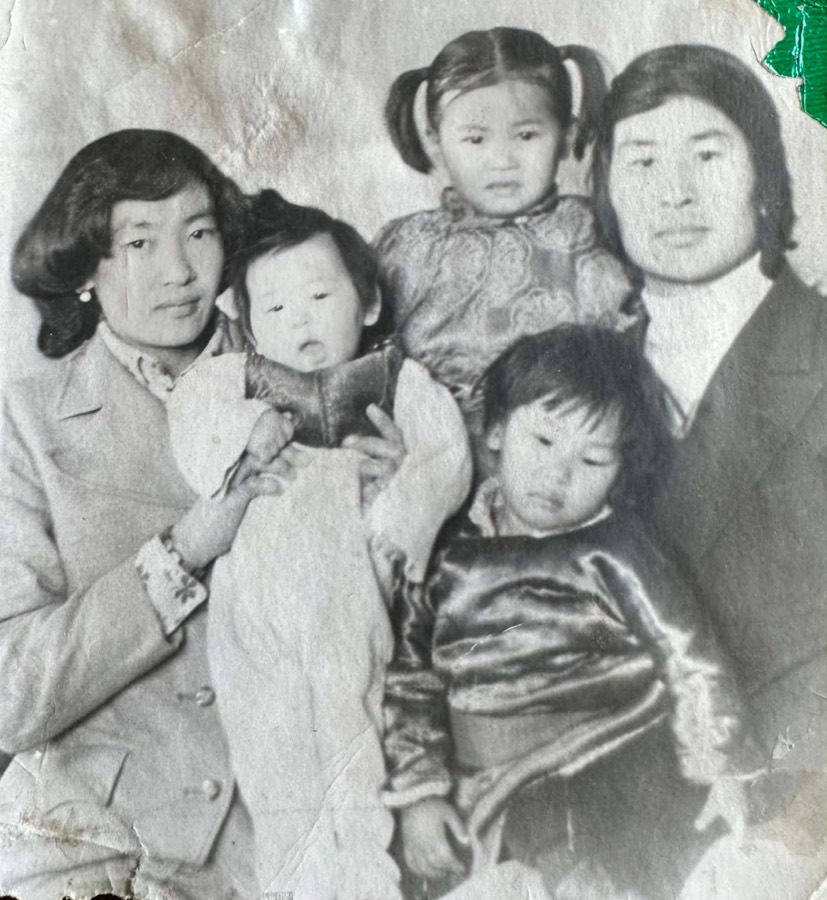 BeforeColorized
How to colorize a photo
Upload the photo
Use a scan, or photograph the print flat in daylight without glare.
Turn on “Colorize black & white photo”
Then start the restoration. It uses 1 credit.
Compare and save
Drag the slider to check the result, then save it or share a before-and-after card.
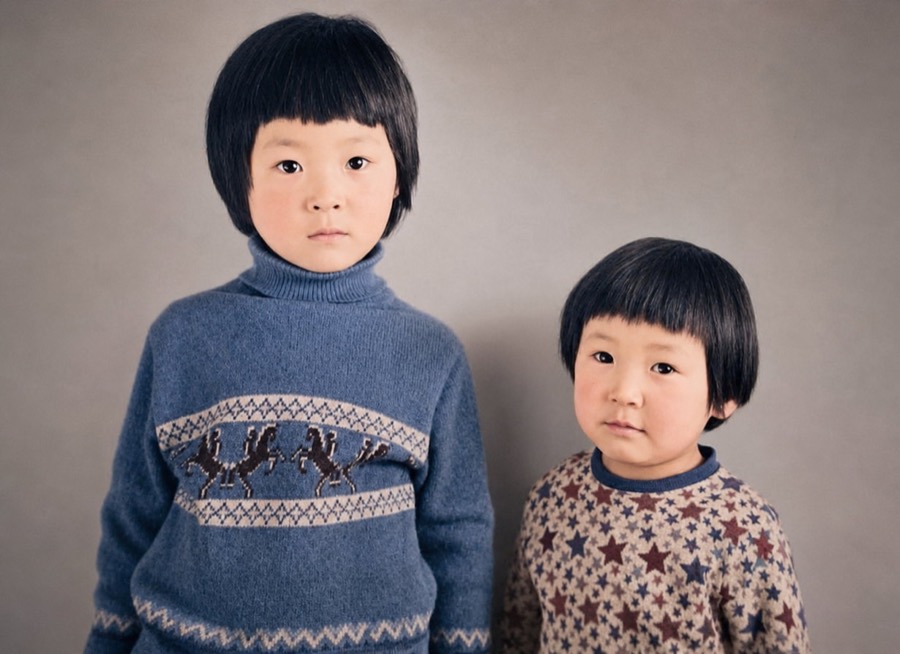
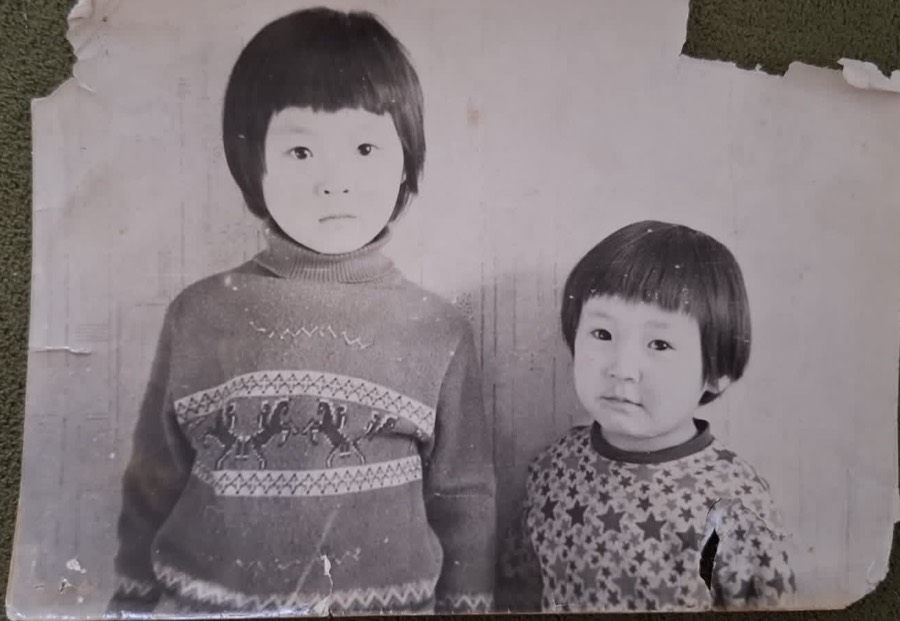 BeforeColorized
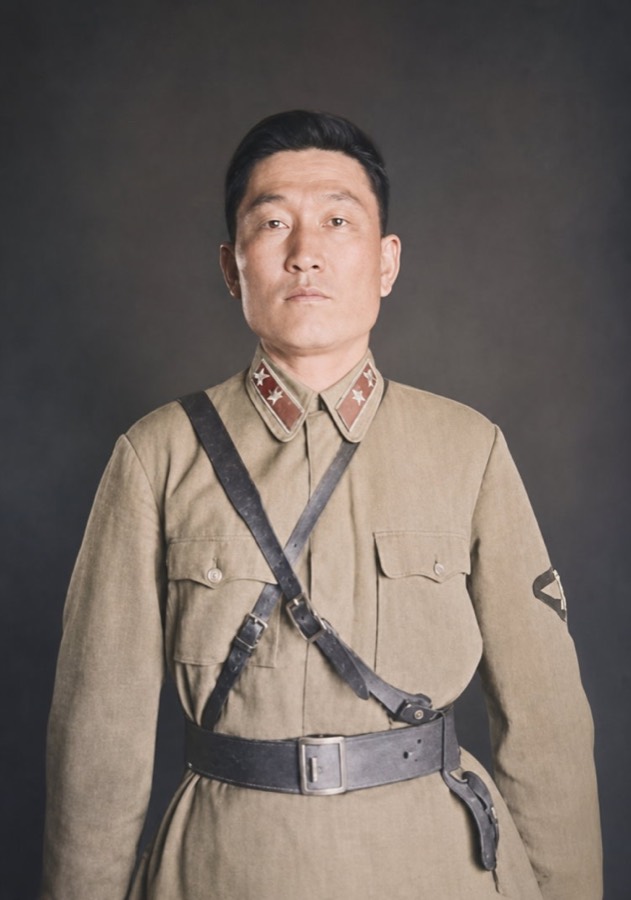
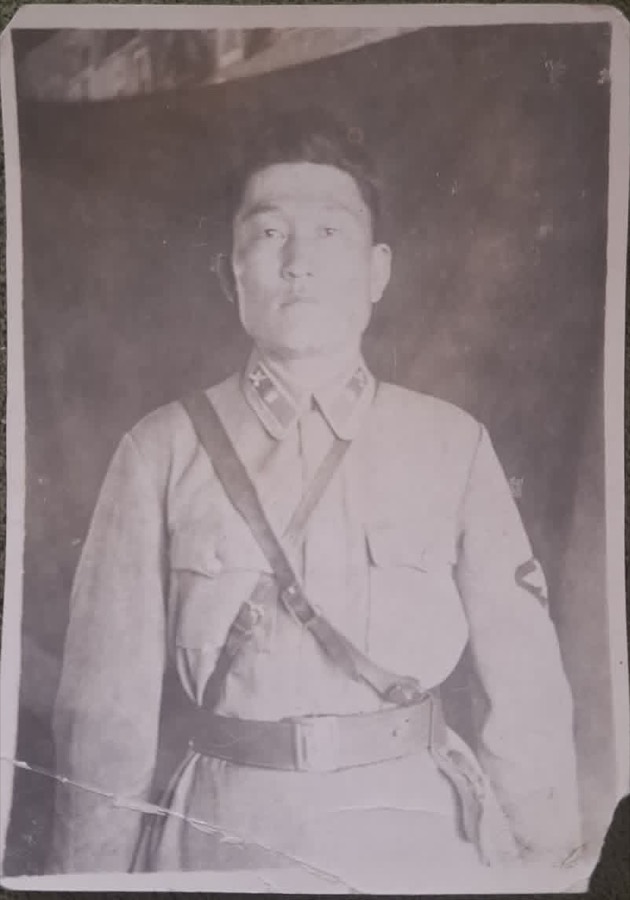 BeforeColorized
What colorization gets right, and what it can't know
The AI has learned how skin, hair, fabric, wood, sky and plants usually look, so it picks colors that fit the scene. It can't know facts the photo never recorded, like the real color of a particular dress, a uniform's trim or a car.
Treat a colorized photo as a faithful impression rather than a historical record, and keep the original with it. If you know a detail was a certain color, mention it when you share the photo with family.
Tips for better color
- Start from the sharpest copy you have. A scan beats a photo of a photo, and a flat print beats one in a curved album.
- Light the print evenly from the side. Glare and shadows read as damage and can pull colors off.
- Crop out the album page, frame or mat before uploading so the AI focuses on the picture.
- Very small prints still work, but faces with only a few pixels of detail will be reconstructed rather than recovered.
Questions
Is colorizing free?
Your first 3 photos are free with no account, and signing in with your email adds 2 more credits. Each colorization uses 1 credit, the same as a restoration. After that, packs start at $9.99. See pricing.
Does it fix damage at the same time?
Yes. Colorize is an option on the normal restoration, so scratches, creases and fading are repaired in the same pass.
Will the result look like a modern photo?
It aims for a clean, natural color print. Busy or badly damaged backgrounds may be simplified, so compare with the original if the setting matters to you.